
Generate Application from Model
This tutorial will guide you through the creation of an entity data model and generation of a full-stack Dirigible application, from this model.
Prerequisites
- Access to the latest version of Eclipse Dirigible (3.2.2+)
Overview
In this tutorial we will create an entity model of a car service bookings and generate full-stack Dirigible application from it. The complete sample can be found here.
Setup Car Service Bookings
- Create new project car-service-bookings
- Right click -> New -> Entity Data Model
- Rename file.edm to car-service-bookings.edm
- Open car-service-bookings.edm
###Brands
Drag and drop new entity
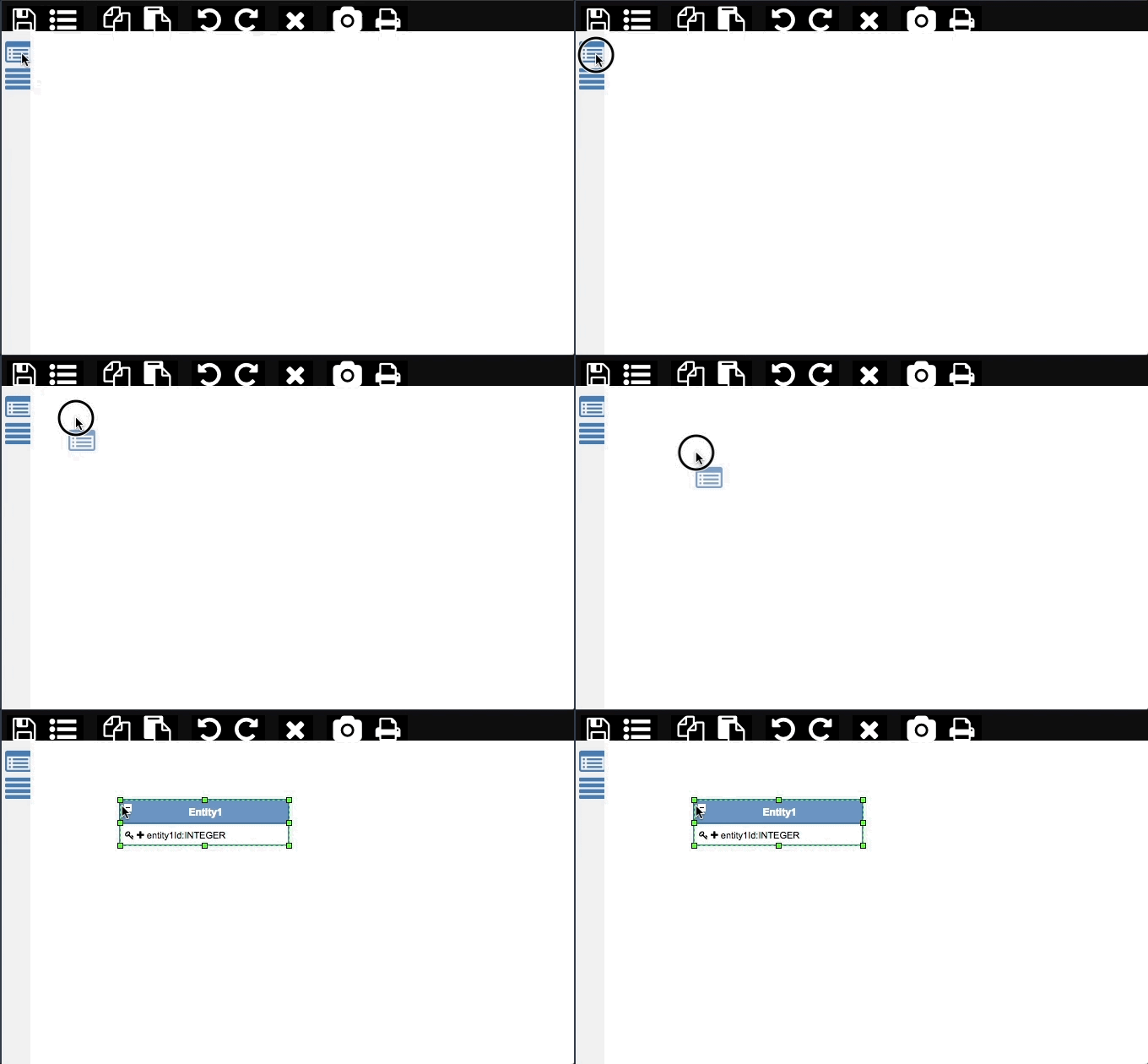
Name it Brands
Rename entityId to Id
Drag and drop new property
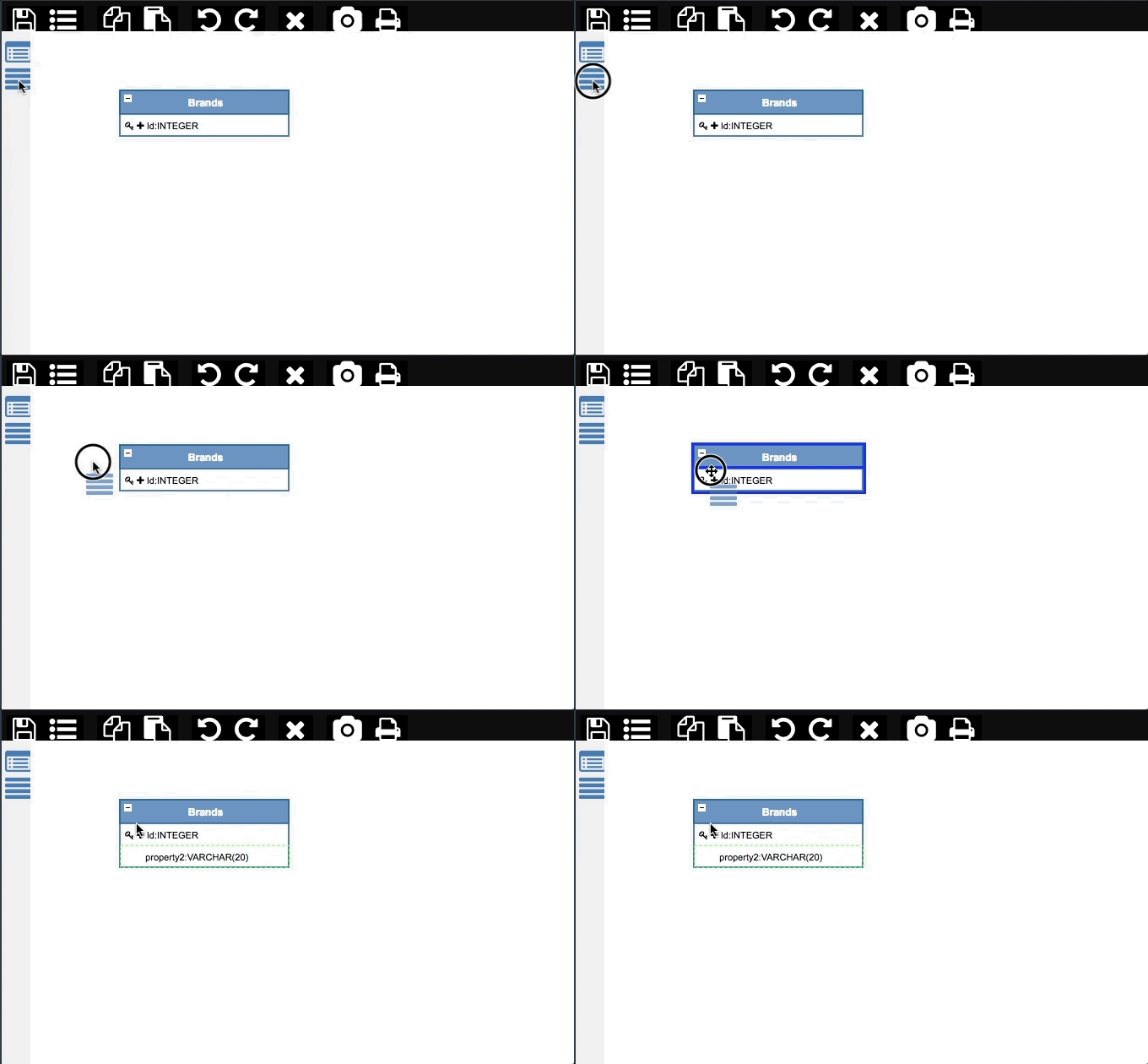
Rename property2 to Name
Open the properties of the Brands entity
Open the General tab
Set the Type to Primary Entity
Switch to the User Interface tab
Set the Layout Type to Manage Master Entites
Models
Drag and drop new entity
Name it Models
Rename entityId to Id
Drag and drop new property
Rename property2 to Name
Add new relation between Models and Brands
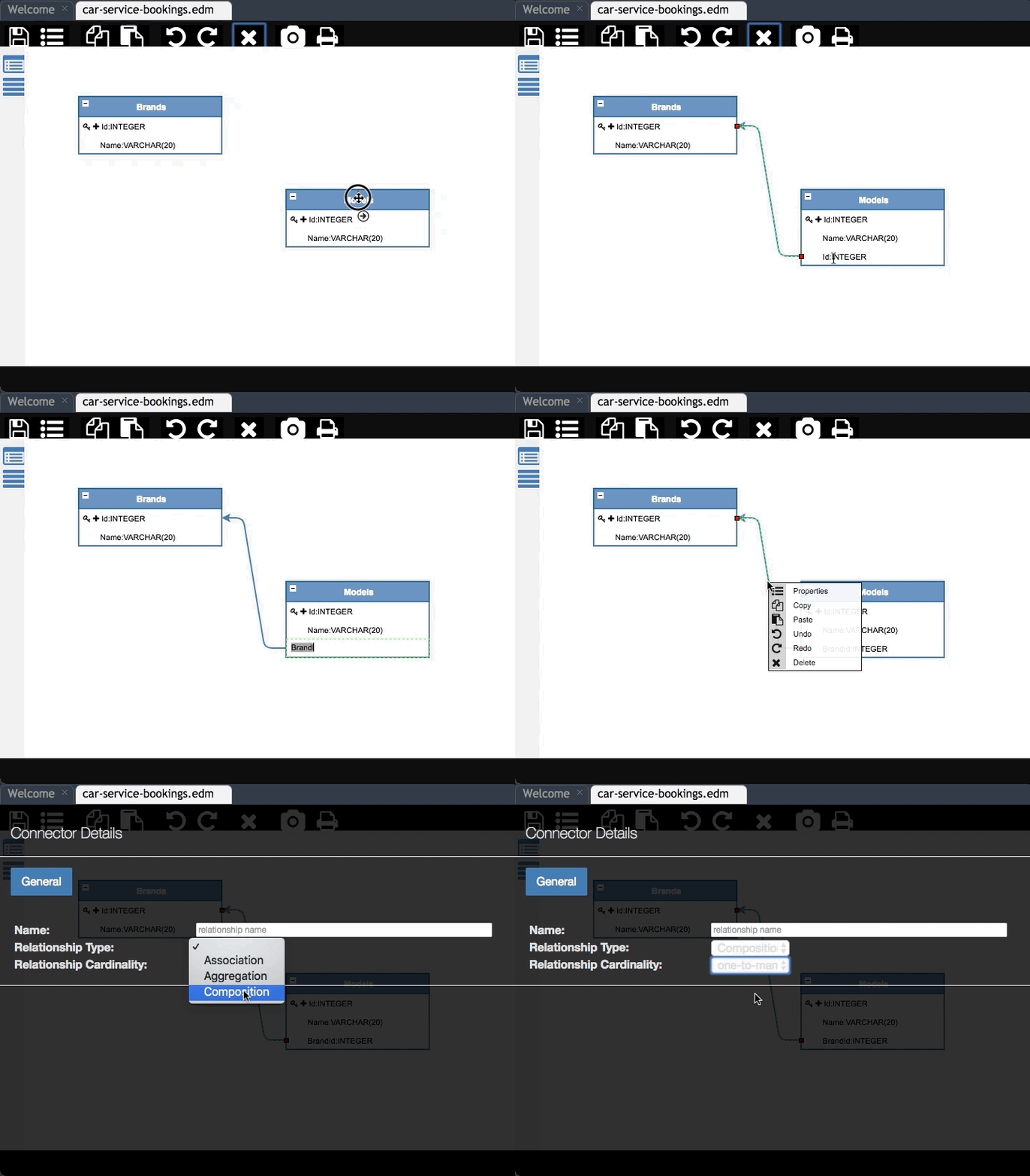
Rename the relation property in the Models entity to BrandId
Open the relation properties
Set Name to Brand
Set Relationship Type to Composition
Set Relationship Cardinality to one-to-many
Open the properties of the BrandId property
Switch to the User Interface tab
Set Is Major to Show in form only
Open the properties of the Models entity
Open the General tab
Set the Type to Dependent Entity
Swith to the User Interface tab
Set the Layout Tab to Manage Details Entities
Cars
- Drag and drop new entity
- Name it Cars
- Rename entityId to Id
- Drag and drop new property
- Rename property2 to PlateNumber
- Add new relation between Cars and Models
- Rename the relation property in the Cars entity to ModelId
- Open the properties of the ModelId property
- Open the Data tab
- Set the Data Type to INTEGER
- Switch to the User Interface
- Set Widget Type to Dropdown
- Set Label to Model
- Set Dropdown Key to Id
- Set Dropdown Value to Name
Note: the dropdown key and value refers respectively to the Models:Id and Models:Name values
Generation
Save the model
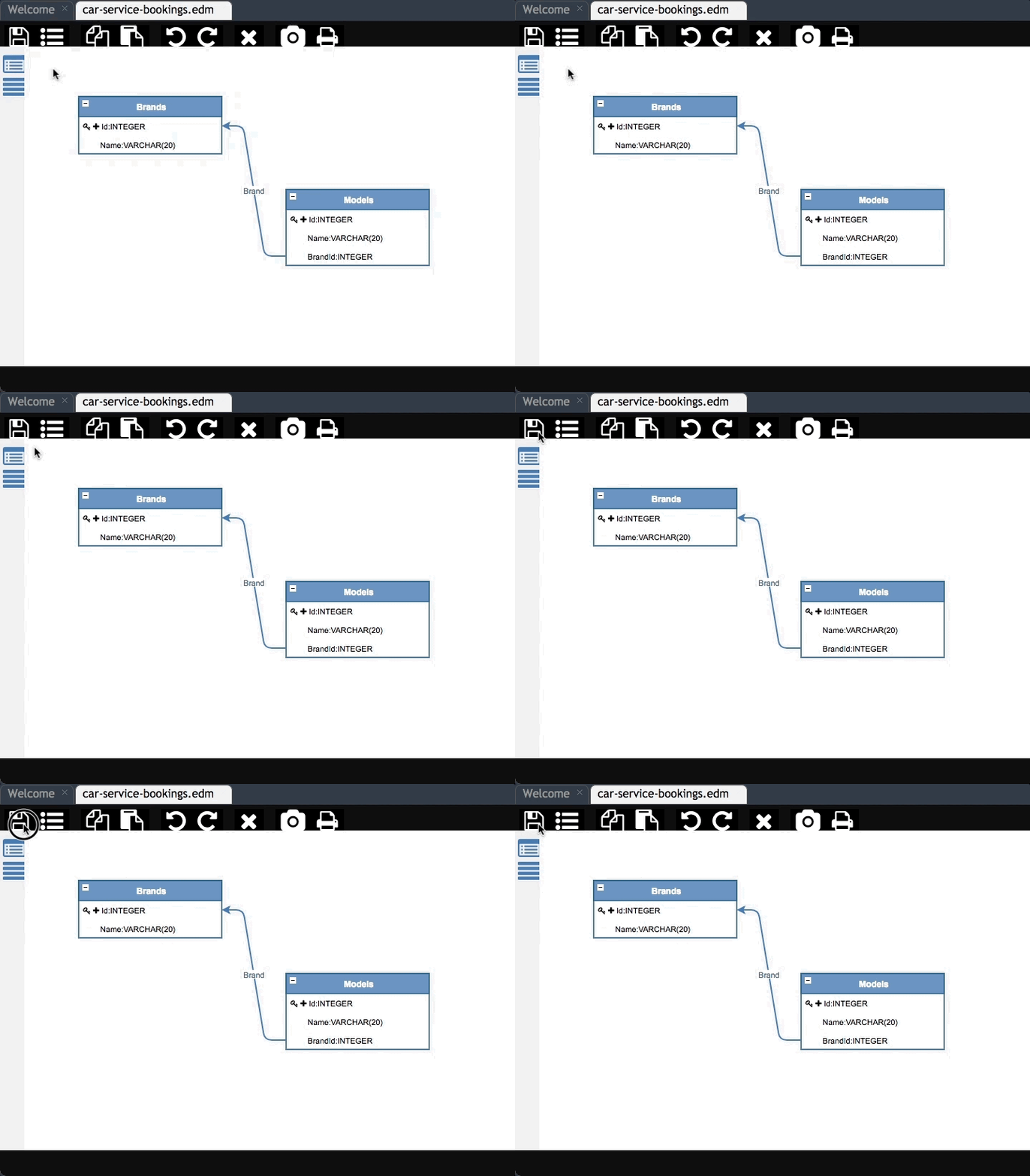
Right click on car-service-bookings.model and select Generate
Set Template to Full-stack Application (AngularJS)
Set Extension to car-service
Check Embedded mode
Set Title to Car Service
Set Brand to Car Service
Click Generate
Publish the project
Extensibility
Sample view based extension can be found here
Wrap up
The whole application can be found here
Resources
- Sample Car Service Bookings: sample-v3-car-service-bookings
- Sample Data: sample-v3-car-service-bookings-data
- Sample Extension: sample-v3-car-service-bookings-extension